
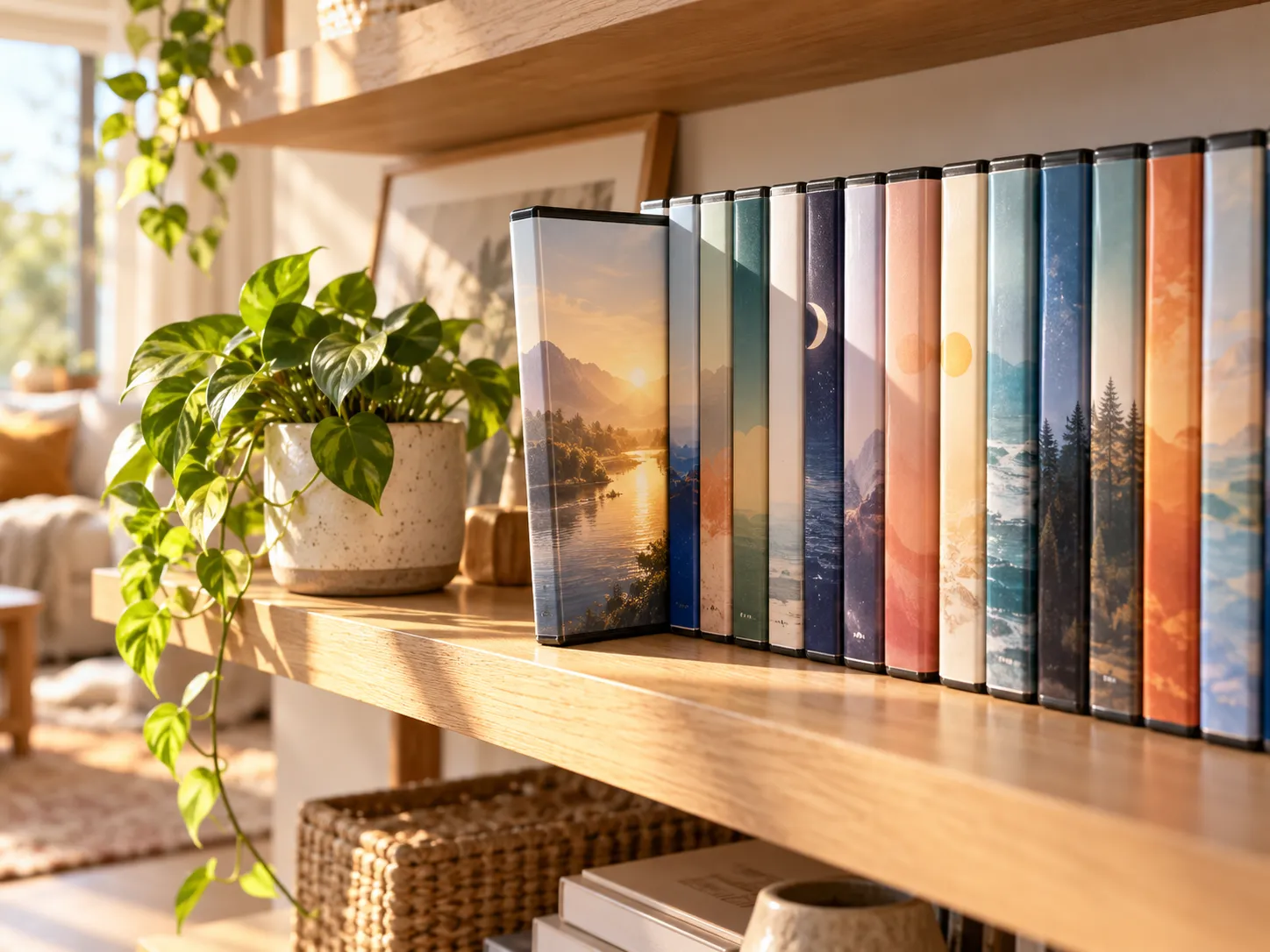
Somewhere in your home there is probably a shelf, a box, or a binder of DVDs — and every year or so, usually while cleaning, the question comes up: is any of this still worth keeping? Maybe worth adding to?
The reflexive answer is that discs are yesterday’s technology, and by raw convenience, streaming won. But the past few years have complicated the story in ways that are easy to feel and worth naming. Subscriptions that started cheap have been raised again and again across services. Titles quietly leave platforms when licenses lapse — including, sometimes, the one you were halfway through. Even content bought digitally is, in most stores’ fine print, a license that can be withdrawn, not property. Meanwhile, the discs on the shelf keep doing the one thing they have always done: playing, on your terms, at no further cost.
This is not an argument that everyone should return to physical media. It is an honest accounting — what DVDs still genuinely offer in 2026, what they honestly do not, and who comes out ahead by keeping (or growing) a disc shelf.
Quick answer: For collectors, families with rewatch-heavy kids, anyone with unreliable internet, and anyone tired of renting access to movies they thought they owned — yes, DVDs are still worth it, especially at used-market prices. The practical requirements on a modern Windows PC are small: a $20-40 USB drive if your machine lacks one, and a player app — MediaPlay DVD Player is free from the Microsoft Store. The honest trade-off: DVDs are standard-definition, so they are about ownership and reliability, not picture-quality bragging rights.
What changed about streaming
Nothing on the disc side of this comparison has changed in twenty years — that is rather the point. The streaming side is what keeps moving.
Prices climb. Streaming launched as the cheap alternative to cable, and across the industry the pattern since has been recurring price increases and the arrival of ad-supported tiers where the ad-free experience costs more. Whatever a subscription costs this year is not a ceiling. A household running several services now carries a recurring bill that would have sounded like satire in streaming’s early days.
Libraries rotate. Streaming catalogs are licensing arrangements, and licenses end. Titles leave platforms routinely — sometimes with notice, often without — and follow the licensing money to another service you may not subscribe to. The movie being “on streaming” was never a fact about the movie; it was a fact about this month.
Digital “purchases” are licenses. Buying a movie on a digital storefront generally grants a license to watch, governed by terms that allow content to become unavailable. It happens rarely, but the fine print is consistent across stores: you are not buying the file, you are buying conditional access. A disc has no such clause.
None of this makes streaming bad — it remains a spectacular convenience. But it clarifies what streaming is: rented access to a rotating library. Which is exactly the thing a shelf of discs is not.
The honest state of the DVD
Intellectual honesty requires this section, so here it is.
DVD is long past its commercial peak. Sales of new discs have declined for years across the industry, retail shelf space has shrunk, and most modern laptops dropped the disc drive entirely. The format is standard-definition — 720×480/576 — which no amount of upscaling turns into 4K. Nobody should pretend a DVD looks like a modern stream on a big panel.
And yet three things remain stubbornly true:
The installed base is enormous. Billions of discs exist, in homes, libraries, and thrift stores. New mainstream films still receive disc releases alongside digital ones.
The used market is a bargain. Because the format is out of fashion, secondhand DVDs commonly sell for a small fraction of their original price at thrift shops, markets, and online sellers. For the price of a month of one streaming service, you can often bring home a stack of films you will own permanently.
The playback problem is solved cheaply. A USB DVD drive costs $20-40 (our external drive guide covers reliable picks), and playback software for Windows can be free. Out of fashion does not mean out of reach.
What a DVD still gives you
Permanent access on your terms. No subscription, no monthly fee, no license lapse. The disc you own in 2026 plays in 2036, provided you keep it and something to play it with — a bar that a streaming library, dependent on your continued payment and the platform’s continued license, cannot clear.
Immunity to price increases. The purchase price was the whole price. Whatever streaming costs next year, your shelf does not participate.
Offline reliability. Cottage weekends, flights, spotty rural internet, data caps — a disc does not buffer. (Our travel comparison covers the road-trip setup in detail.)
The kid-rewatch economics. Small children watch the same film dozens of times. A used disc bought once beats any per-month arithmetic — and hands the child a player-proof physical object rather than an account with a password.
Extras that never made the jump. Commentaries, making-of features, and deleted scenes from DVD editions often simply do not exist on the streaming version of the same film.
Givability. A disc can be lent, gifted, inherited, or sold on. A digital library is attached to an account and, practically speaking, to one person forever.
What a DVD honestly does not give you
High definition. Standard-definition on a 4K panel is soft. Watchable — players and laptops upscale respectably — but if picture quality is your top priority for new favorites, discs in this format are not the answer.
Instant gratification. Streaming’s core magic — thought to screen in ten seconds — is real, and a shelf cannot match it.
Zero footprint. Discs occupy space and want basic care. Scratches happen; so, over long timescales and mostly with recordable discs, can gradual degradation. Store cases upright away from heat and sun and pressed discs generally age well — but “generally” is the honest word.
Native playback on modern hardware. Most current laptops lack a drive, and Windows 11 lacks the player — both solvable, neither built-in. That is the one-time setup covered below.
Who comes out ahead with a disc shelf
The collector and the rewatcher. If there are films you return to yearly, owning them outright is both cheaper over time and immune to catalog rotation.
Families with young kids. Rewatch economics plus lendable, giftable, unbreakable-account media.
Anyone with unreliable or capped internet. Discs are a movie source that simply does not care.
The budget-conscious. The used-DVD market is one of the last genuine bargains in home entertainment.
The digital-skeptic. If the phrase “your purchase is a revocable license” bothers you on principle, physical media is the working alternative.
If none of those describe you — you watch mostly new releases once, on fast internet, and value picture quality above all — streaming deserves your money, and this article cheerfully releases you.
The 10-minute setup on a modern PC
If the shelf is staying, make it playable:
- A drive. Built into older laptops; otherwise a $20-40 USB DVD drive — reliable picks here.
- A player app. Windows 11 does not play DVDs natively. MediaPlay DVD Player is free from the Microsoft Store — and installing through the Store is also the safe route past the download-portal mess, as our safe installation guide explains. Our player software comparison covers the alternatives.
- The living room, if wanted. A laptop and an HDMI cable put the shelf on the big screen — the smart TV guide walks through it.
One caveat while buying used: DVDs carry region codes, so imports from another region may not play on a locally set drive — our region code guide explains the details before you order discs from abroad.
FAQ
Are DVDs obsolete in 2026?
Commercially declining, functionally not obsolete at all. Discs still play, new films still receive disc releases, and the enormous used market makes the format cheaper than it has ever been. “Out of fashion” and “not worth owning” are different claims.
Can modern laptops even play DVDs?
Yes, with two additions most modern laptops need: an external USB drive ($20-40) and a player app, since Windows 11 does not include DVD playback. Both are one-time purchases; the setup takes about ten minutes.
Are used DVDs safe to buy?
Generally yes — pressed commercial DVDs are durable, and light surface scratches often play fine. Check the disc for deep gouges, and expect the occasional dud at thrift-store prices. Region codes are the other thing to check when buying imports.
Will my DVDs eventually stop working?
Pressed commercial discs stored reasonably — upright, away from heat and direct sun — generally last decades. Recordable discs (DVD-R home burns) are the more fragile category over long timescales. No physical medium is eternal, but a cared-for movie shelf is a long-term asset.
Is buying DVDs cheaper than streaming?
For rewatching, often dramatically — a used disc costs a fraction of a month’s subscription and never bills you again. For one-time viewing of a constant stream of new content, streaming’s model fits better. The math favors discs precisely where rewatching and ownership matter.
Do they still make new DVDs?
Yes. Major releases continue to get DVD and Blu-ray editions alongside digital, and a dedicated collector market keeps boutique labels busy. The format’s commercial twilight has been long and is not over.
Sources
- MediaPlay DVD Player: Microsoft Store listing
- Microsoft Support: Windows help & learning
Final takeaway
The question was never really “discs or streaming” — most households will use both. The question is whether the films you actually care about should live in a rotating rented catalog or on a shelf you control. For rewatchers, families, collectors, and anyone tired of renting access to their own favorites, the disc shelf earns its space — at 2026’s used prices, more easily than ever.
Making it playable costs one drive and one free app: MediaPlay DVD Player, free from the Microsoft Store. The shelf is already yours; ten minutes of setup makes it a library again.
