
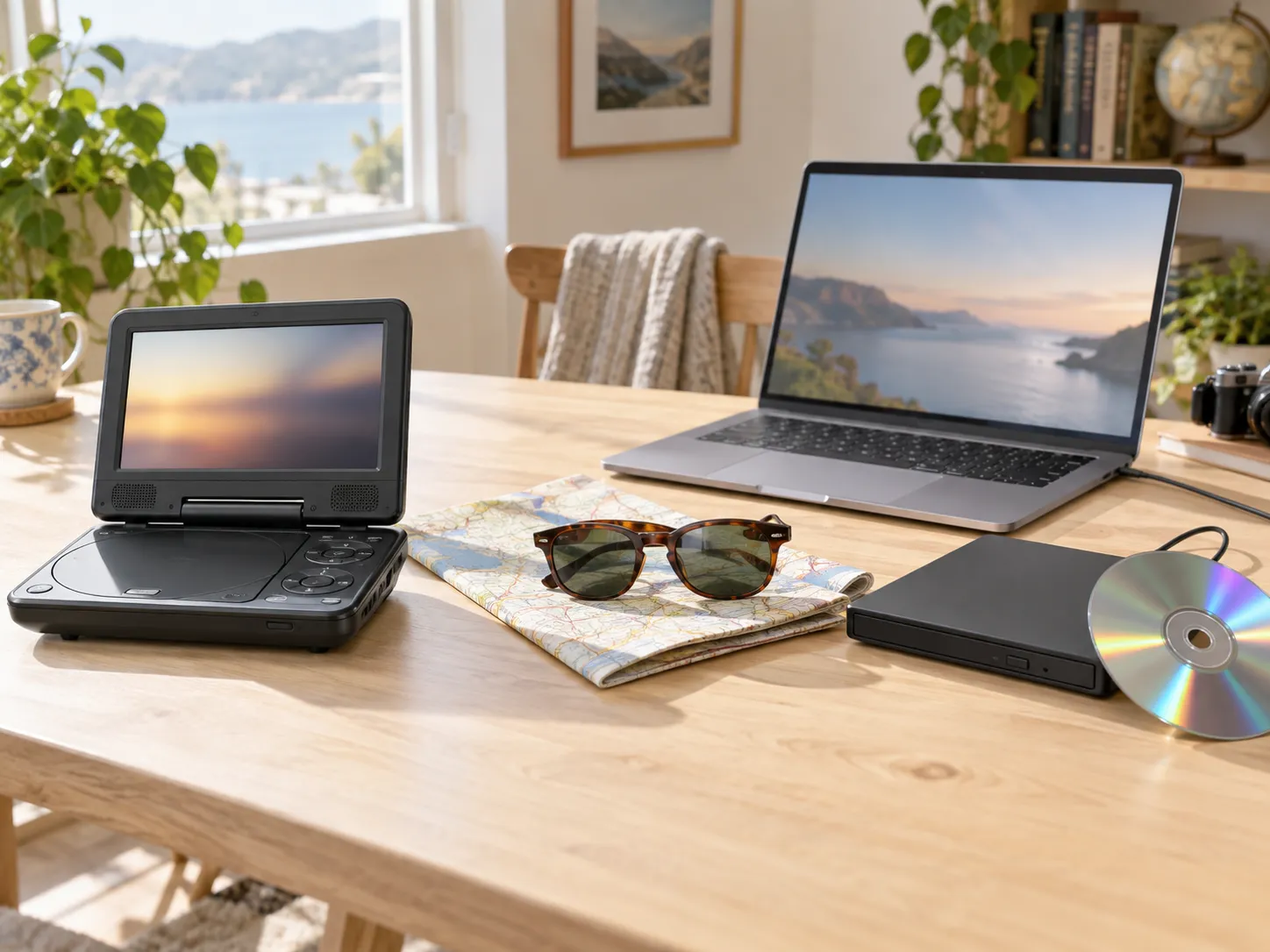
A long trip is coming — a road trip, a flight, a week at a cottage with questionable Wi-Fi — and the DVD collection is looking like the entertainment plan. So you search for a portable DVD player, and the results are mostly little clamshell devices with 9-to-14-inch screens, built-in batteries, and headrest straps.
Before you buy one, it is worth asking a question the product listings will not ask for you: is this actually better than the Windows laptop already sitting in your bag? Because a laptop plus a small USB drive covers the same job — often for less money, on a much better screen.
The honest answer is “it depends on who is watching and where.” This comparison walks through the real differences — cost, screen, battery, weight, and the setup each one needs — including the situations where the dedicated portable player genuinely earns its place.
Quick answer: If you already own a Windows laptop, adding a $20-40 USB DVD drive and a player app is usually the cheaper and better-looking option — laptop screens are larger and far sharper than most portable players, and MediaPlay DVD Player (free, Microsoft Store) handles the playback part in one install. A dedicated portable DVD player still makes sense for young kids in car headrests, for keeping your work laptop out of small hands, or when you need twin screens for two back-seat passengers.
The honest math
Start with what each path actually costs.
The portable DVD player path means buying a new device. Basic 9-10 inch models commonly start around $50-70; larger 12-14 inch screens and twin-screen headrest sets typically run $90-150 or more. Prices vary by brand and season, but you are buying a screen, a battery, and a disc drive you do not otherwise need.
The laptop path means adding the one thing your laptop is missing. Most modern laptops have no disc drive, so you need an external USB DVD drive — standard models cost $20-40, and our external DVD drive guide covers the reliable picks. Then you need playback software, because Windows 11 does not play DVDs out of the box; that part can be free.
If you already own the laptop, the comparison is roughly $25-35 total against $50-150. And the money is only half the story — what you get for it differs more than the listings suggest.
📊 Portable DVD player vs laptop, side by side
| Factor | Portable DVD player | Laptop + USB drive |
|---|---|---|
| Typical cost | ~$50-150 for a new device | ~$20-40 for a drive (laptop already owned); player app free |
| Screen | 9-14", often low resolution | 13-16", typically Full HD or better |
| Battery while playing discs | Rated 4-6 hours; real-world often 3.5-4.5 | Varies widely, roughly 3-6 hours; disc spinning drains faster than streaming |
| Weight in the bag | One more device (plus its charger) | Laptop already packed; drive adds ~200-300 g |
| Also does | Plays discs; some models read USB sticks | Everything a laptop does — plus DVDs |
| Setup effort | None — power on and insert | One-time: plug in drive, install a player app |
Hardware prices are typical ranges at the time of writing and vary by market and model.
The screen difference nobody mentions
This is the comparison the product pages quietly skip. Many portable DVD players — including well-reviewed ones — ship with screens in the 800×480 resolution class. That was normal for portable video in 2008; next to any modern laptop display it looks soft and washed out, especially when stretched across one of the larger panels in the back seat.
A typical laptop gives you a 13-16 inch screen at Full HD or sharper, with better brightness and viewing angles. DVDs are standard-definition content, so no screen makes them look like 4K — but a good display with proper upscaling makes a visible difference, and the laptop’s speakers and headphone options are usually better too.
If the viewer is an adult or a teenager who will notice picture quality, the laptop wins this category by a distance. If the viewer is four years old and the screen is a meter away in a headrest, resolution matters a lot less — which is a genuine point for the portable player, covered below.
Battery: the honest numbers
Spinning a physical disc costs power. Portable DVD players are built around that fact — models commonly advertise 4-6 hours per charge, though real-world runtime at normal brightness often lands closer to 3.5-4.5 hours: roughly two movies.
A laptop playing a DVD from a USB drive draws more than it would streaming: the drive motor, the decoding, and the display all add up. Expect noticeably less runtime than your laptop’s advertised battery figure — as a rough planning number, 3-6 hours depending on the machine, brightness, and the drive.
Two practical mitigations for the laptop path: a car USB-C charger or power bank with Power Delivery keeps most modern laptops topped up on the road, and any hotel or airplane seat with power solves it entirely. If your trip is genuinely outlet-free for many hours and the watching must not stop, the dedicated player’s predictable battery is a fair argument — or simply pre-charge and accept two movies per device.
What the laptop path needs (10-minute setup)
Three pieces, one of which you own:
- The laptop. Windows 10 or 11, any age that still runs comfortably.
- A USB DVD drive ($20-40). Plug it in; Windows recognizes it without drivers. Our external drive guide lists dependable models and the USB-power details worth knowing.
- A player app. Windows 11 cannot play DVD movies natively — the decoder was removed years ago. MediaPlay DVD Player (free from the Microsoft Store) is built for exactly this: insert the disc and it starts playing through Windows AutoPlay, or right away if the app is already open, subtitles and all. Stop halfway and it can resume from the same spot later. VLC is the free open-source alternative if you prefer configuring things yourself; our player software comparison covers the options.
Do the whole setup — and test one disc — before the trip. The back seat of a moving car is the wrong place to discover a region-code surprise or a scratched disc.
When the portable DVD player genuinely wins
An honest comparison has to give the dedicated device its due. Buy the portable player when:
The viewers are young kids in a car. Headrest mounting is what these devices are designed for: strapped in place, at the right height, controls out of reach, sticky fingers on a $60 device instead of your laptop. This is the portable player’s home turf and the reason the category still exists.
You need two screens. Twin-screen headrest sets play one disc to both seats — a setup a single laptop cannot replicate for two kids who will not share.
Your laptop cannot leave work mode. If the laptop is a work machine full of things a juice spill should never meet, a cheap dedicated device is insurance, not redundancy.
The user wants zero computer. For a grandparent or a child, “press the power button, insert disc” beats any setup involving Windows.
Battery certainty matters more than picture. Dedicated devices do one thing on a predictable charge.
When the laptop wins
You already own it. The strongest argument. The marginal cost is a $25 drive, not a $100 device that duplicates hardware you have.
Picture and sound quality matter. Bigger, sharper screen; better audio; proper headphone support for planes.
Luggage space is tight. The laptop is coming anyway. A slim USB drive disappears into a bag pocket; a clamshell player and its charger do not.
The trip has more than one need. The laptop plays the DVD, then handles the photos, the email, the kids’ offline games, and the hotel booking. The portable player plays the DVD.
The destination has a TV. A laptop connects to the cottage or hotel TV over HDMI and becomes a full-size DVD player for the evening — our smart TV guide walks through that setup. A portable player can sometimes do this too via AV output, but the laptop does it better and in higher quality.
The bottom line by traveler
Family road trip, kids under ~8: portable player (or twin-screen set) for the back seat — its one job, done well.
Couple or solo traveler: laptop + drive. Better screen, no new device, less to pack.
Mixed trip — kids in the car, adults at the destination: genuinely consider both; they cost less together than one premium tablet.
Occasional traveler who mostly watches at home: laptop + drive, no contest — the same $25 drive serves at home year-round.
FAQ
Is it cheaper to buy a portable DVD player or use a laptop?
If you already own a laptop, using it is usually much cheaper: a USB DVD drive costs $20-40 and playback software can be free, against $50-150 for a decent portable player. If you would have to buy a laptop, the portable player is cheaper — but that is rarely the real situation.
Can any laptop play DVDs?
Any Windows 10/11 laptop can, with two additions: a disc drive (external USB, since most modern laptops have none) and a player app, because Windows no longer includes DVD playback. Both are one-time, inexpensive additions.
How long will a laptop battery last playing DVDs?
Less than its normal rating — the spinning drive and decoding draw extra power. As a planning figure, roughly 3-6 hours depending on the machine and brightness. A car USB-C charger or PD power bank removes the worry on road trips.
Are portable DVD player screens any good?
They vary, and many are far lower resolution than buyers expect — 800×480-class panels are still common. Fine for small children at headrest distance; disappointing next to any modern laptop display.
What do I need to watch DVDs on a laptop in the car?
A USB DVD drive, a player app installed before you leave, charged battery or a car charger, and headphones. Test a disc at home first. If the viewers are small children, consider whether a mounted portable player suits the back seat better.
Do portable DVD players work with all DVDs?
Like all DVD hardware, they respect region codes — a disc from another region may not play. The same applies to laptop drives. Check regions before a trip if your collection is international.
Sources
- MediaPlay DVD Player: Microsoft Store listing
- VLC Media Player: videolan.org
Final takeaway
The portable DVD player is not obsolete — it is just a specialist. For young kids in car headrests, it remains the right tool. For nearly everyone else, the laptop already in your bag is the better DVD player waiting to be activated: a $20-40 USB drive, one free app, ten minutes of setup before the trip.
If you take the laptop path, MediaPlay DVD Player is free from the Microsoft Store — install it with the drive, test a disc tonight, and the travel entertainment problem is solved before you pack.
