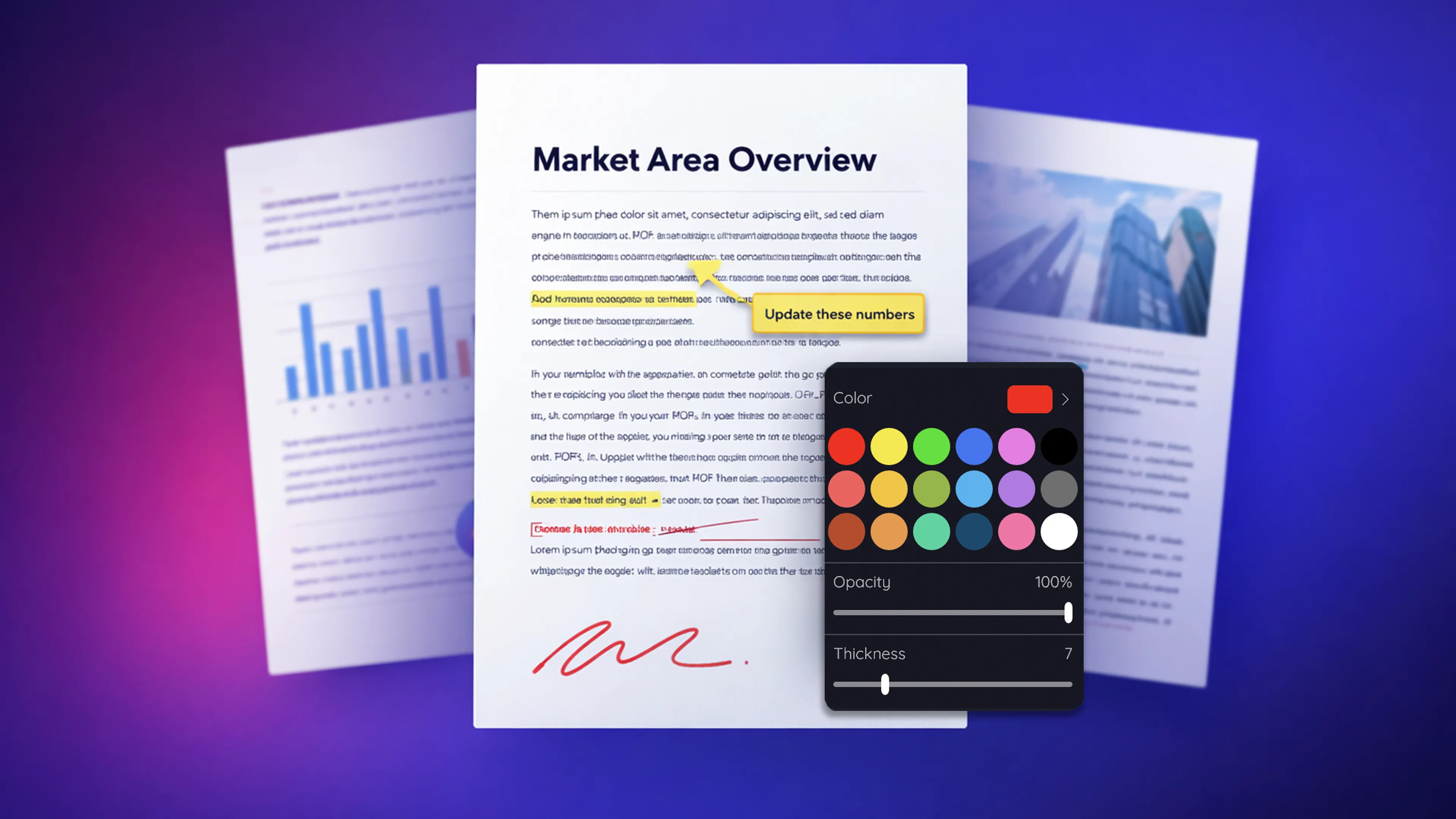

Sonic PDF hero
Sonic PDF icon

Productivity

Sonic PDF

Simple, No-Friction PDF Tool

Sonic PDF helps you edit PDFs on your Windows PC without extra steps or unnecessary setup.

If you need to make a quick change, merge files, or convert a document, this app gives you a straightforward way to do it locally on Windows 10 and Windows 11. No login, no subscriptions, no complicated tools—just open your file and get it done.

Install from Microsoft Store See how it works

No account required Works locally Simple PDF tools

When this app is useful

Sonic PDF is designed for one simple task: handling everyday PDF work on Windows without friction.

  • You need to edit a PDF on your PC quickly
  • You want to merge PDF files on Windows without extra tools
  • You need to split or reorganize pages
  • You want a PDF editor without subscription or sign-up
  • You prefer to keep your files private on your computer

Screenshots

Simple PDF editing on Windows — no setup required.

Main workspace
Edit PDF
Merge and split PDF files
Convert files to PDF and back
Simple PDF Editor

Built for straightforward use

Feature

PDF Editing

Make quick changes to your documents without complex tools.

Feature

Merge & Split PDFs

Combine files or extract pages in just a few clicks.

Feature

Simple Interface

Clear layout focused on getting tasks done quickly.

Feature

No Setup Required

Install and start working—no account or configuration.

Why choose Sonic PDF

Sonic PDF is a practical choice for people who want core PDF editing and conversion tools in one straightforward Windows app. It focuses on fast everyday tasks without unnecessary setup.

Compatibility

Windows 10 and Windows 11

Useful for

Editing, converting, merging, and splitting PDF files

No account requiredWorks locallySimple PDF tools

Open in Microsoft Store

Frequently asked questions

Does it work offline?

Yes. Sonic PDF works locally on your computer, so you can edit and manage PDF files without an internet connection. Note: File conversion is the only feature that relies on an online service.

Do I need to create an account?

No. You can use Sonic PDF without signing up or logging in.

Is it a subscription-based PDF editor?

No. Sonic PDF is designed as a PDF editor without subscription, so you can use it without ongoing commitments.

Is Sonic PDF free?

Yes. Sonic PDF is free to use with a daily limit on merge, split, watermark, and conversion tasks. An optional, one-time upgrade removes these limits.

Helpful guides

Install now

Edit your PDFs on Windows in minutes

Install Sonic PDF from Microsoft Store and start working with your files immediately—no account, no subscription, no setup

Install from Microsoft Store