
Screenie hero
Screenie icon

Utilities

Screenie

Copy text from anywhere

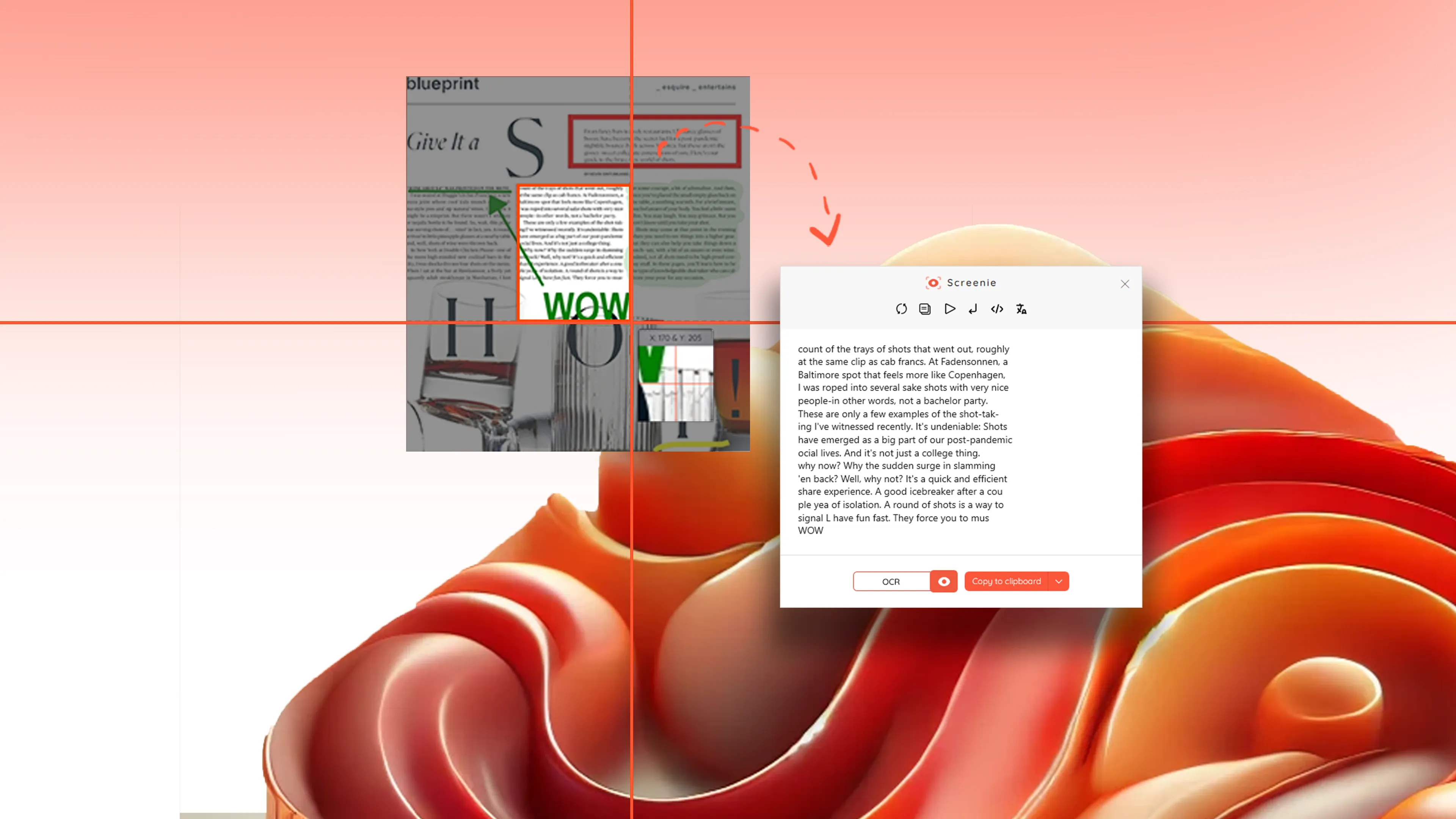
Screenie helps you extract text from images, PDFs, and apps on Windows when copy-paste does not work. If you see text but cannot select it—inside a locked PDF, screenshot, or application—you usually have to retype it.

Select the area → extract the text → copy and use it immediately.

No complex OCR tools. No setup. Just a direct way to copy text from screenshots and screens on Windows 10 and 11.

Install from Microsoft Store See how it works

Copy text from screen Works when copy fails No setup

When this app is useful

Screenie is designed for one simple task: extracting text when it cannot be copied.

  • You need text from a PDF that does not allow copying
  • You want to copy text from an image or screenshot
  • You see text inside an app but cannot select it
  • You need to capture error messages or logs
  • You want subtitles or text from a video
  • You need to extract data from reports or dashboards

Screenshots

Extract text from images, PDFs, and screens — no setup required.

Copy text from anywhere
Text extraction example
Extract text from Dashboards
Translate extracted text
Annotate screenshots example
Local library
Why choosing Screenie

Built for straightforward use

Feature

Select Screen Region

Choose exactly the part of the screen that contains the text you need.

Feature

Works Across Content Types

Extract text from PDFs, images, apps, and video frames.

Feature

Instant Text Translation

Translate captured text and create editable content in seconds.

Feature

Clean, Ready-to-Paste Output

Copy extracted text directly into documents, emails, or forms.

Why choose Screenie

Screenie is a practical choice when you need text from places where copy and paste does not work. It keeps OCR capture fast and local, so you can move from screenshot to editable text with less friction.

Compatibility

Windows 10 and Windows 11

Useful for

Extracting text from screenshots, PDFs, desktop apps, and dashboards

Copy text from screenWorks when copy failsNo setup

Open in Microsoft Store

Frequently asked questions

Does it work offline?

Screenie uses an online OCR service for text recognition to provide consistent accuracy. The capture and selection process works instantly, and extraction requires a connection. Check the app’s Privacy Policy for more information.

Can I extract text from PDFs?

Yes. Screenie works with locked or non-selectable PDFs, allowing you to extract text directly from the screen.

Can I use it with any app?

Yes. If text is visible on your screen—inside apps, browsers, or tools—you can capture and extract it.

Is Screenie free?

Screenie is free to use, with a OCR quota for text extraction. All screen capture and annotation tools are completely unlimited—so you can capture, highlight, and save anything on your screen without restrictions.

Helpful guides

Install now

Extract text from your screen in seconds

Install Screenie from Microsoft Store and start copying text from images, PDFs, and apps without retyping

Install from Microsoft Store