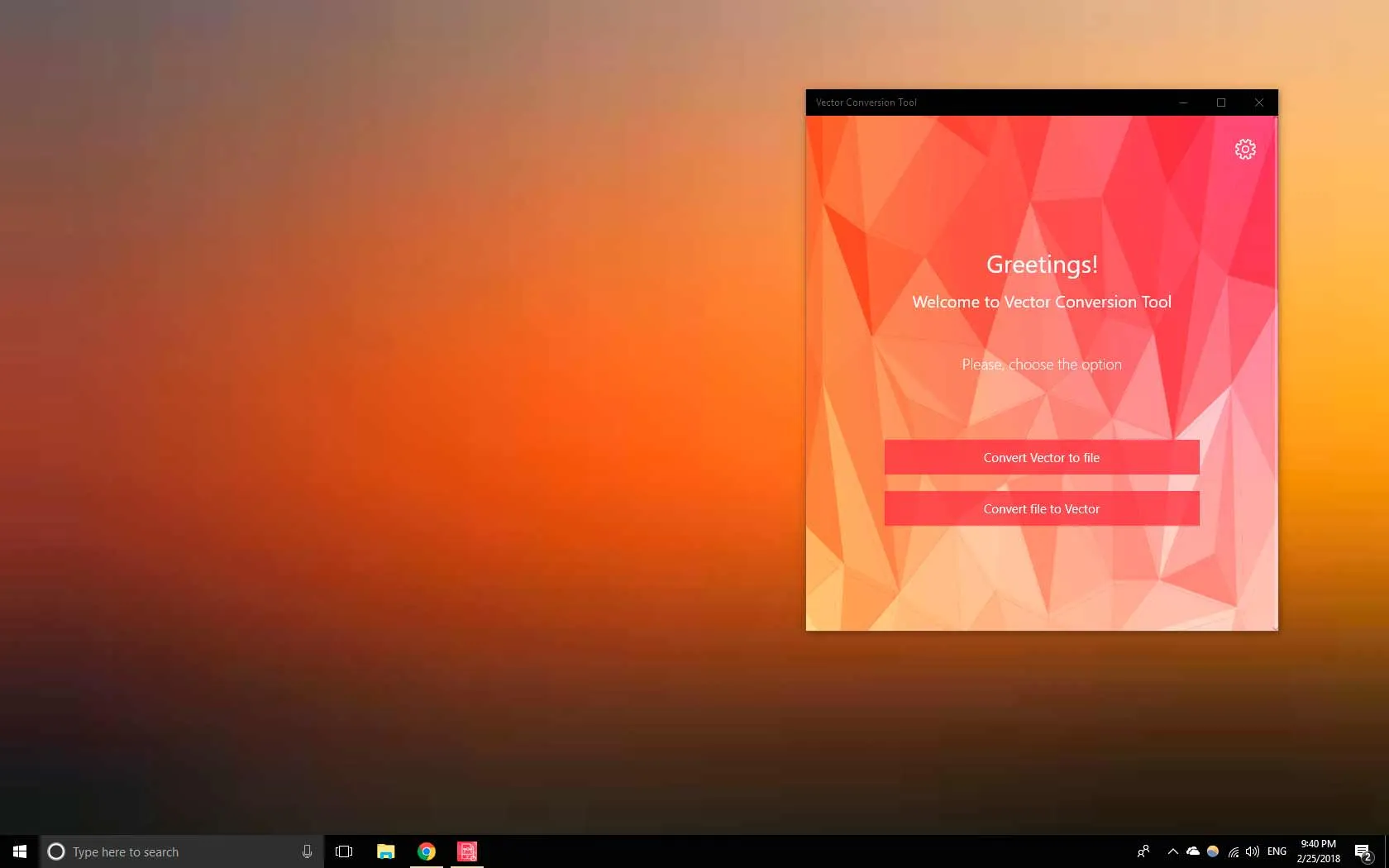

Vector Converter Tool hero screenshot
Vector Converter Tool icon

Utilities

Vector Converter Tool

Convert SVG, AI, EPS and other vector files easily

Vector Converter Tool helps you convert vector files into formats that are easier to use, share, or open on your device.

If you have a file like SVG, AI, EPS, or WMF that won’t open properly, or you need to convert it into PNG, PDF, or another common format, this app gives you a simple way to do it.

No design software required. No complex settings. Just select your file, choose the format, and convert.

Install from Microsoft Store See how it works

Simple vector conversion Wide format support No design tools needed

When this app is useful

Vector Converter Tool is designed for one simple goal: making vector files usable across different formats and devices.

  • You want to convert SVG to PNG or PDF
  • You have an AI or EPS file that won’t open on your system
  • You need to turn vector graphics into image formats
  • You want a simple converter without design software
  • You work with different graphic formats and need quick conversion

Screenshots

Convert vector files on Windows — simple, fast, and clear.

App preview
Supported formats
Dashboard

Built for straightforward use

Feature

Convert Vector Files to Common Formats

Turn SVG, AI, EPS and other vector files into PNG, PDF, JPG and more.

Feature

Convert Images to Vector Formats

Convert supported files into vector formats like SVG and EPS when needed.

Feature

Wide Format Support

Supports many formats including SVG, AI, EPS, WMF, DXF and more.

Feature

Simple and Clear Workflow

No design experience required — just choose a file, select format, and convert.

Why choose Vector Converter Tool

Convert SVG, AI, EPS and other vector files to PNG, PDF and more on Windows — simple and fast.

Compatibility

Windows 10 and Windows 11

Useful for

svg to png, ai to png, eps converter

Simple vector conversionWide format supportNo design tools needed

Open in Microsoft Store

Frequently asked questions

What formats are supported?

The app supports a wide range of vector formats including SVG, AI, EPS, WMF, DXF and others, along with output formats like PNG, PDF, and JPG.

Can I convert SVG to PNG?

Yes. You can easily convert SVG files into PNG, PDF, and other formats in just a few steps.

Do I need design software to use this?

No. The app is designed to work without tools like Illustrator or other design software.

Will the quality stay the same?

Vector-to-vector conversions keep quality, while conversions to image formats depend on resolution settings.

Install now

Convert vector files into usable formats in seconds

Install Vector Converter Tool from Microsoft Store and convert SVG, AI, EPS and more into PNG, PDF and other formats without complicated tools.

Install from Microsoft Store