


Focused Windows tools
Each app is built around a clear desktop task, so users can quickly tell what it is for and whether it fits their needs.
Windows Desktop Utilities
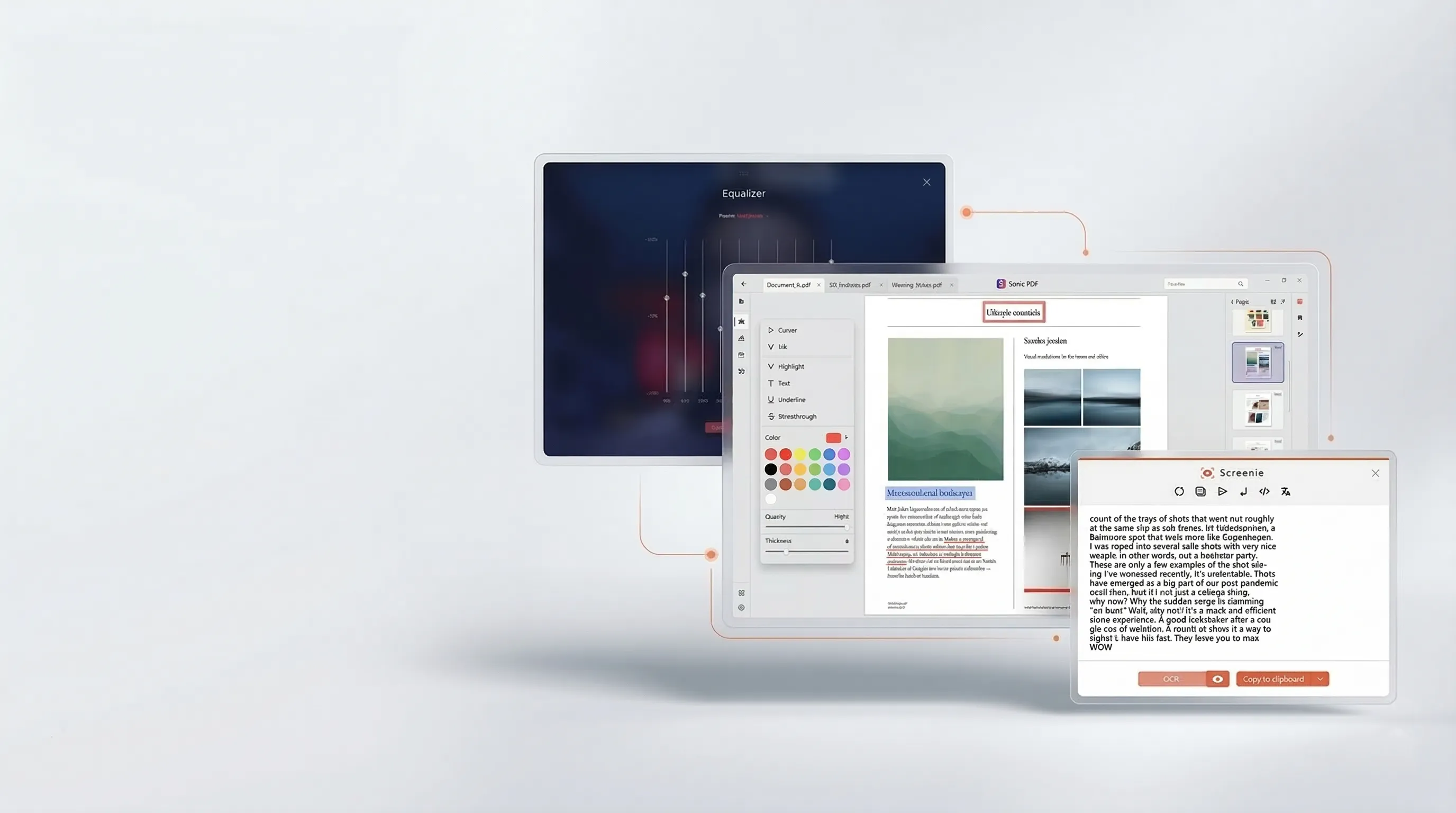
Browse practical tools for PDF work, DVD playback, screen text capture, and resume building — with clear product pages, real screenshots, and straightforward next steps.
Browse Apps Read Practical Guides
Each app is built around a clear desktop task, so users can quickly tell what it is for and whether it fits their needs.
App pages include real screenshots, practical use cases, and direct links to learn more before installing.
Blog posts answer common Windows questions and connect readers to the relevant app when it makes sense.
Browse by app, category, or guide to move from problem to product page without guesswork.
Browse the main tools and see what each one is designed to do.
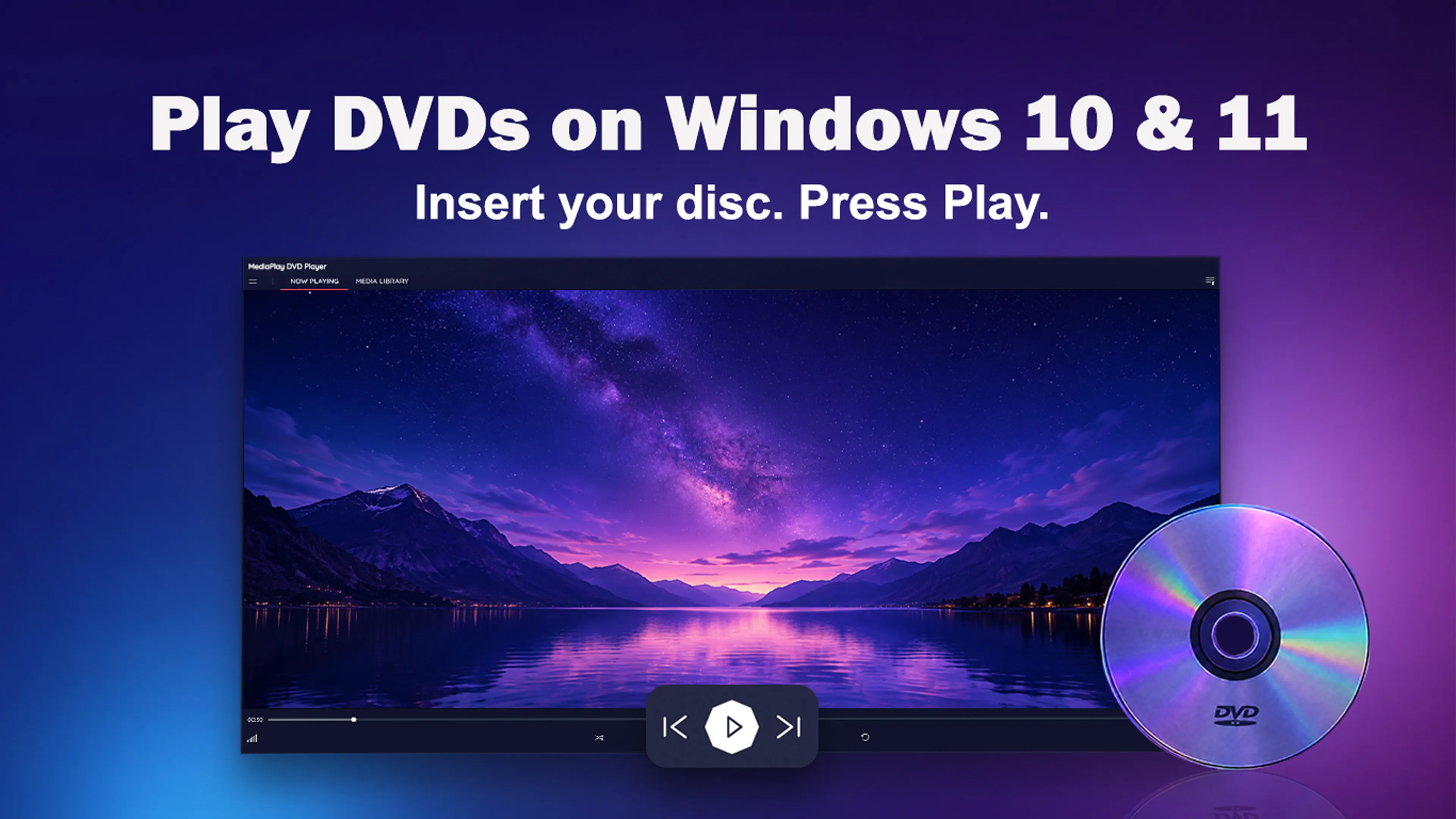
Play CSS-protected DVDs, DVD and VIDEO_TS folders, 150+ media formats, and the main movie from unprotected Blu-ray discs on Windows 10 and Windows 11.
View app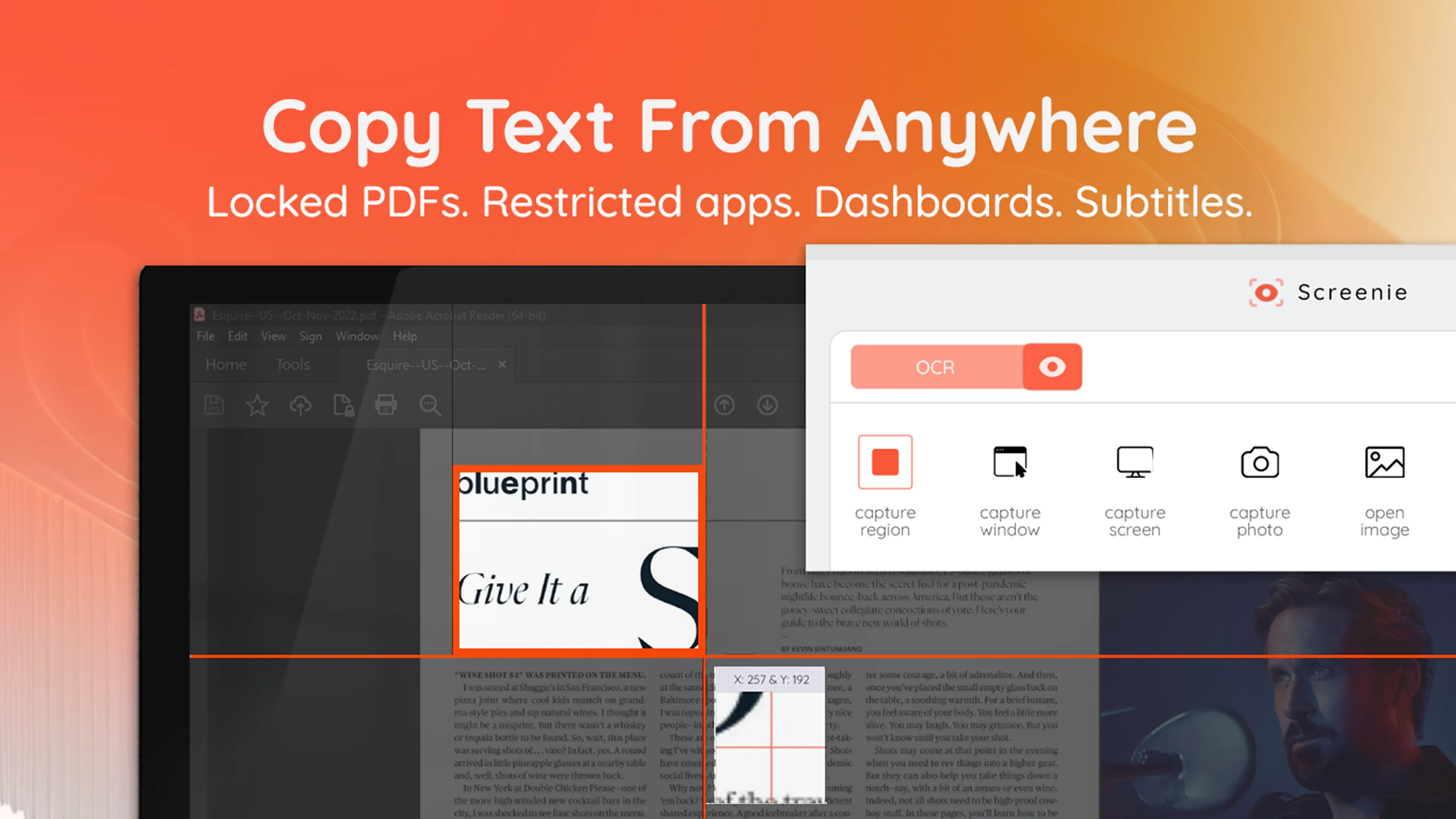
Instantly copy text from anywhere on your screen. Extract from apps, images, PDFs, videos, dashboards - in one click.
View app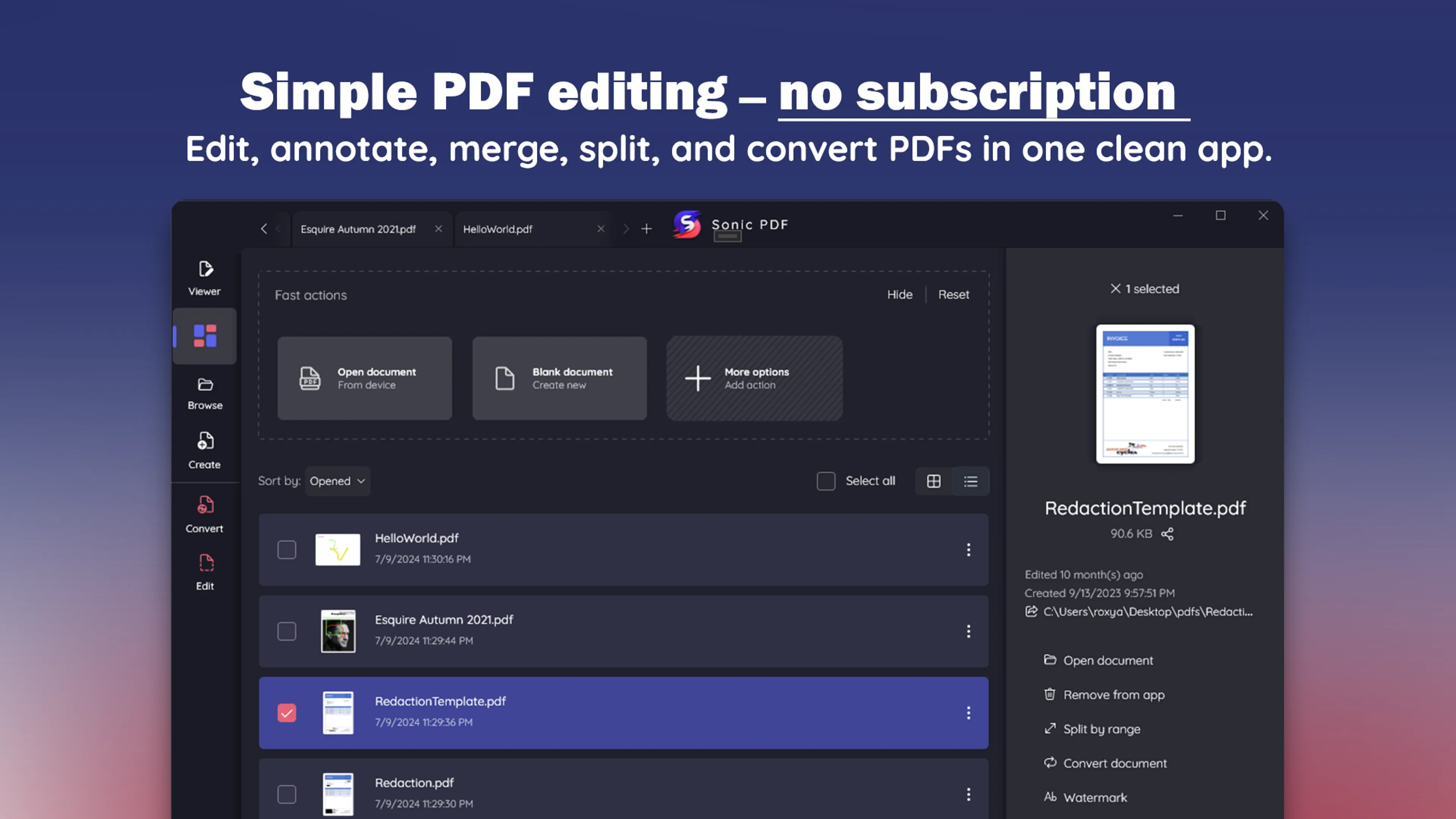
How-to
Setting up DVD playback for a parent or grandparent, or for yourself? Here is what makes a DVD player easy to live with on a Windows PC: few steps, clear dialogue, readable subtitles, no accounts. Plus a caregiver checklist that saves a lot of evening phone calls.
Read guide ->How-to
Subtitles on, but nothing appears? Wrong language? Out of sync? Here is how DVD subtitles actually work, how to turn them on in the disc menu or your player, and what to do when a disc has none in the language you need.
Read guide ->How-to
Streaming keeps getting pricier, favorite titles vanish without notice, and the discs on your shelf never asked for a monthly fee. An honest look at what DVDs still offer in 2026, what they don't, and who is genuinely better off with a disc shelf.
Read guide ->How-to
DVD software has long been a favorite disguise for bundled junk and fake download buttons. Here is how to install a DVD player on Windows 11 without any of that — what the Microsoft Store actually checks, how to read a listing, and how to recognize a fake download portal on sight.
Read guide ->Compare app pages, review screenshots, and continue to the product that matches what you need.